
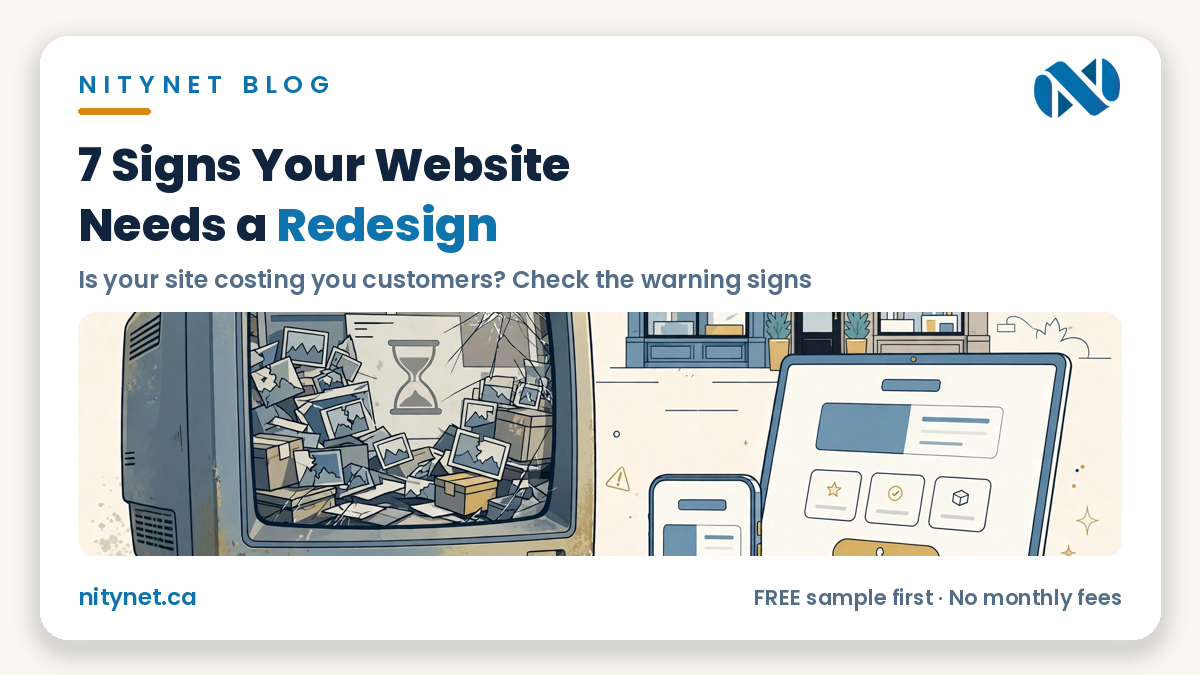
Your website can be online, paid for and technically working — and still be losing you customers every week. The signs your website needs a redesign are rarely dramatic: no error message, just a phone that rings a little less and customers who mention a competitor first. Here are the seven warning signs Toronto owners see most often, how to check each one in minutes, and what a redesign fixes.
The short answer: three or more signs means act
One sign on its own can be a small fix — an old phone number or a slow photo. Three or more together mean the site itself is the problem, and patching it page by page costs more time than redesigning it properly. Count honestly as you read: at three or more, your website is no longer an asset. It is a quiet cost.
Sign 1: It looks dated next to your competitors
Open your website and a competitor’s side by side, the way a customer would. Small text, crowded pages, old photos and a layout that feels years behind — visitors judge your business by that first impression before they read a single word. A dated design does not prove your work is dated, but customers cannot see your work yet. The website is all they have, and if it says “this business stopped paying attention,” many people simply move to the next result.
Sign 2: It is hard to use on a phone
Most visitors arrive on a phone, often mid-task. Pick up yours and use your site as a stranger: can you read the text without pinching and zooming? Can you tap the phone number with one thumb? If text is tiny, menus hide, or you have to scroll sideways, your site is turning away the visitors most ready to call. A modern site is built phone-first — big readable text and tap-to-call buttons a thumb can hit the first time.
Sign 3: It loads slowly
Count it yourself: tap your site’s link and count the seconds before you can read and use the page. If you are still watching a half-loaded screen after a few seconds, so is every customer — and many will not wait. Slow pages usually come from oversized photos, old add-on tools piled up over the years, and overloaded hosting. You do not need a technical report to spot this sign; your own patience is the test.
Sign 4: Visitors cannot find how to call or book
Your website has one main job: turn a visitor into a call, a booking or an order. Time yourself finding your own phone number from your homepage. If it takes scrolling, hunting through a contact page, or copying a number by hand, the path is broken — customers will call the business whose number was one tap away. Every page should carry an obvious next step: tap-to-call, a WhatsApp button, or a short form where visitors are already looking. You can see that shape on our Flamingo Floral & Gifts sample site — services, prices and a clear call-to-order path on every page, built for phones first.
Sign 5: The information on it is no longer true
Old prices, last year’s hours, services you no longer offer, an address you moved from — outdated information is worse than no information. A customer who drives to the wrong address starts the conversation annoyed, and some never come at all because the site told them you were closed. Walk through every page and mark anything no longer true. If the list is long, the site has drifted too far from the real business to patch casually.
Sign 6: It brings you nothing — no calls, no enquiries, no Google presence
Search Google for what you do plus your city — the service a new customer would type, not your business name. If competitors appear and you do not, your site is not doing its most valuable job. Old sites often miss the basics Google needs: a page for each service, your city in plain text, proper headings, and pages that load fast. A redesign with basic SEO setup will not guarantee rankings — nobody honest can promise that — but it removes the ceiling an outdated site puts in your way.
Sign 7: You avoid sending people to it
This is the sign owners admit last. When someone asks for your website, do you hesitate — “just call me instead, the site is old”? If you are steering people away from your own website, you already know the verdict. A website you are proud to share works for you every day: in your email signature, on your vehicle, in every quote you send. One you hide works against you.
What a redesign fixes — and what it honestly does not
A redesign refreshes the pages you already have: a modern layout, a phone-first rebuild, faster loading, tap-to-call and booking buttons where visitors can find them, corrected information, and basic SEO setup — keeping your domain, content and page addresses wherever possible, so Google keeps finding the business it already knows. The full process and pricing are on our website redesign in Toronto page.
A redesign is not the right tool for everything. If you need an online store, new features like a client portal, dozens of new pages, or a complete rewrite, that is a new website, not a refresh. Our guide to how much a website costs in Toronto shows both routes side by side, so you can compare before you spend anything.
What it costs at NityNet
Elsewhere, published pricing puts a small-business redesign at $1,500 to $25,000+, because most studios price it like a new build. At NityNet, a redesign is $300 flat — a separate offer, not a package — covering your homepage, services and contact pages, with tap-to-call buttons, basic SEO setup and a free digital visit card, live on your own domain in about a week. If your site needs more than a refresh, our packages are a single one-time payment with no monthly fees, and every package includes free hosting for 1 year and a free .com domain:
- Economy — $249: a one-page website with your services, area, hours and tap-to-call.
- Starter — $600: up to 5 pages, contact form, tap-to-call and WhatsApp buttons, Google Maps, free digital visit card.
- Business — $900: up to 10 pages, booking or order form, gallery, Google Business setup, blog and social links.
- Online Store — $1,500: up to 30 products with secure payments, if you sell online.
Compare packages in the pricing section on our homepage and on our website design in Toronto page.
Frequently asked questions
How do I know if I need a redesign or a completely new website?
If your content, domain and page structure are still right and the problems are how the site looks, loads and works on phones, a redesign is enough — and cheaper. If you need a store, new features or a full rewrite, a new package is better value. Presentation problems point to a redesign; missing-capability problems point to a rebuild.
Will a redesign hurt my Google ranking?
A careful redesign should not. Your pages, addresses and content are kept wherever possible, or properly redirected where an address must change, and basic SEO setup is included. The bigger risk is usually the old site itself — slow pages and a poor phone experience hold you back every day it stays live.
How long does a redesign take, and do I need to write new content?
A focused redesign of a small site is typically live in about a week once your content is ready. Your existing text and photos usually carry over — you only fix what is outdated. And you see a free sample of your redesign before you pay anything, so there are no surprises.
See your website redesigned — free, before you pay anything
Do not guess — see your own business redesigned first. NityNet will build you a free, personalized sample of your website as it could look, before you pay anything.
Start with the order form on our homepage: https://nitynet.ca/ — or email info@nitynet.ca. Redesign $300 flat; packages from $249 (one page) and $600 (full site), with free hosting for 1 year, a free .com domain, and no monthly fees. Toronto & GTA based.