
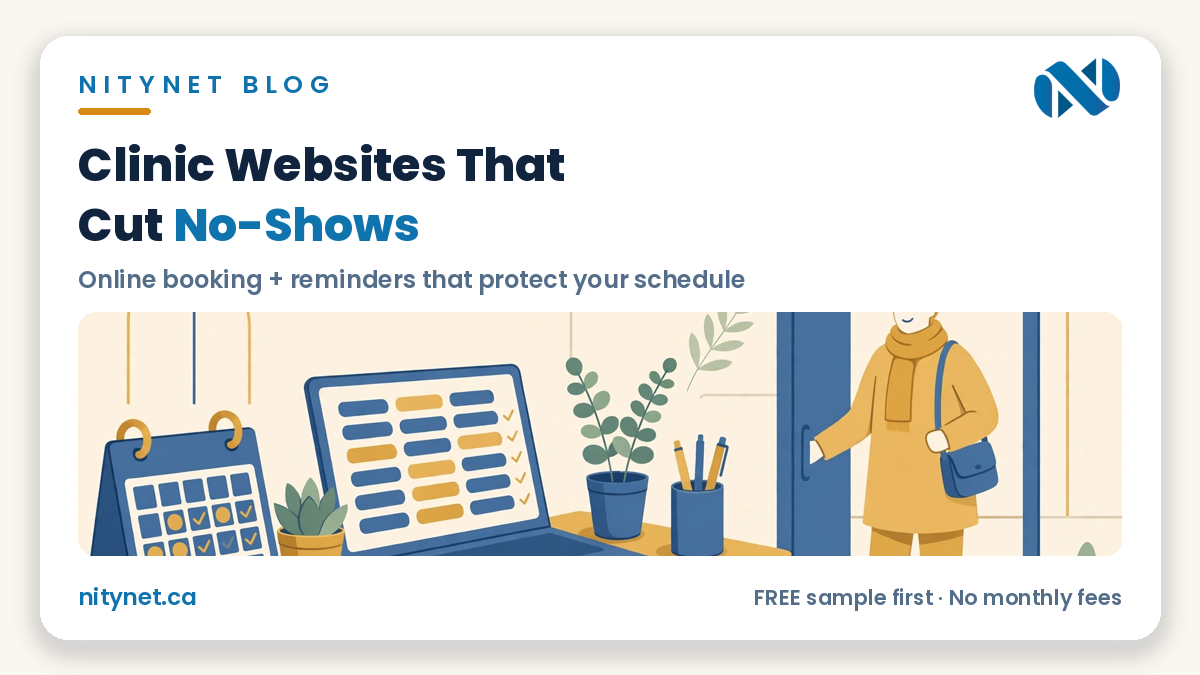
Every empty slot hurts a clinic twice: the clinician sits idle, and another patient who needed that time stays on a waiting list. That is why searches for clinic website online booking no-shows keep growing — owners are realising the two problems are connected. When booking only happens by phone, during office hours, with no reminder and no easy way to reschedule, people forget, double-book themselves, or simply give up and stay home. A clinic website with proper online booking and automatic reminders fixes most of that — not by magic, but by removing every small excuse to miss an appointment.
The short answer: booking, reminders and easy rescheduling work as one system
No-shows rarely come from rude patients. They come from friction: an appointment booked three weeks ago, written on a sticky note, never confirmed, and impossible to change without a phone call the patient keeps postponing. Online booking puts the appointment straight into the patient’s own calendar. An automatic reminder brings it back to their attention in time. And a one-tap reschedule link turns “I can’t make it” into a moved appointment instead of an empty chair. Each piece helps on its own; together, they protect your schedule.
Why phone-only booking creates no-shows
Phone booking feels personal, and for some patients it is still the right channel — a good website keeps tap-to-call front and centre. But phone-only booking has real limits. Your front desk can only answer during opening hours, while most people think about booking in the evening. A busy signal or a missed call often means the booking never happens at all. And when the appointment is agreed verbally, nothing lands in the patient’s calendar, no confirmation exists to check, and the date lives or dies on memory. Online booking does not replace your reception team; it handles the routine bookings and changes at any hour, so your team can spend their time on the patients in front of them.
What good online booking looks like on a clinic website
The booking flow should be short enough to finish on a phone in under a minute. Patients pick a service, pick a clinician if that matters at your clinic, pick a time they can actually see is free, and leave their name and mobile number. That is all. Long intake forms belong after the booking is confirmed, not before it — every extra field before the time is secured loses patients. The confirmation should arrive immediately by text or email, with an add-to-calendar option, your address, parking or transit notes, and what to bring. You can see this shape on our PhysioZen physiotherapy sample site — services, prices and a clear booking path built for phones first.
Reminders: the single biggest no-show fix
If you change only one thing, add reminders. A simple, friendly sequence works best: a confirmation the moment the booking is made, a reminder a day or two before, and a short same-day nudge for morning appointments. Each reminder should do three jobs — restate the date, time and location in plain words, offer a tap-to-confirm, and offer a tap-to-reschedule. That last part matters most. A patient who can move an appointment in ten seconds usually does. A patient who must phone during work hours to cancel often just does not show up, because avoiding an awkward call feels easier than making it. Reminders are not nagging when they genuinely help the patient keep or move their slot.
Deposits and cancellation windows — use them carefully
Some clinics add a small booking deposit or a clear cancellation window — for example, free rescheduling up to the day before, with a fee for same-day cancellations. Done openly and fairly, this protects high-demand slots, especially for longer treatments. Done harshly, it scares away exactly the new patients your website is meant to attract. If you use a policy, state it in plain English on the booking page before the patient confirms, keep the fee modest, and always make rescheduling easier than cancelling. The goal is a full schedule, not a punishment system.
What your clinic website needs around the booking button
Booking software alone is not a website. Patients deciding whether to book still need the basics, fast: your services with honest prices or price ranges, clinician names and credentials, insurance and direct-billing information if you offer it, hours, address with a map, and a phone number they can tap. New patients also look for reassurance — real photos of your space and team where you have them, and clear answers about what a first visit involves. Those pages belong on a site you own, connected to your website design in Toronto presence and your Google listing, not scattered across booking platforms you do not control. Our guide to how much a website costs in Toronto shows what this level of site normally costs in this market.
What it costs at NityNet
At NityNet, clinic websites are built on the Business package, because booking, forms and a blog are included at that level. Every package is a single one-time payment with no monthly fees, and every package includes free hosting for 1 year and a free .com domain:
- Economy — $249: a one-page website with your services, area, hours and tap-to-call.
- Starter — $600: up to 5 pages, contact form, tap-to-call and WhatsApp buttons, Google Maps, free digital visit card.
- Business — $900: up to 10 pages, booking or order form, gallery, Google Business setup, blog and social links — the right fit for most clinics.
- Online Store — $1,500: up to 30 products with secure payments, if you also sell products online.
If you already have a website and only the booking path is broken, a $300 flat redesign — a separate offer, not a package — can rebuild the pages patients actually use. Compare packages in the pricing section on our homepage. Booking-platform fees, if you choose a paid booking tool, are paid to that provider — we will tell you plainly which tools have free tiers before you commit to anything.
Frequently asked questions
Will online booking really reduce no-shows at a small clinic?
It addresses the main causes: forgetting, having nothing in the calendar, and finding it too hard to reschedule. Booking confirmations, reminders with confirm and reschedule options, and a clear cancellation window together remove most accidental no-shows. No system removes all of them, and anyone who guarantees a specific reduction is guessing — but the friction fixes above help every clinic that uses them consistently.
Do my patients still need to be able to book by phone?
Yes — keep phone booking, and make the number tappable on every page. Online booking is an addition, not a replacement: it catches the evening and weekend bookings your front desk cannot, handles routine rescheduling without tying up the phone line, and sends the reminders automatically. Many clinics find the phone gets quieter and the schedule gets fuller at the same time.
What does a clinic website with booking cost, in total?
With NityNet, the website itself is the Business package at $900 one time — no monthly website fees — including free hosting and a free .com domain for the first year. If your chosen booking tool has a paid tier, that fee goes to the tool provider; many clinics start on a free tier. You see a free, personalized sample of your clinic’s website before you pay anything, so the total is clear before you commit.
See your clinic’s booking page — free, before you pay anything
Do not guess how online booking would look for your clinic — see it. NityNet will build you a free, personalized sample of your website, booking page included, before you pay anything.
Start with the order form on our homepage: https://nitynet.ca/ — or email info@nitynet.ca. Packages from $249 (one page) and $600 (full site); Business $900 for clinics with booking; free hosting for 1 year, a free .com domain, and no monthly fees. Toronto & GTA based.