
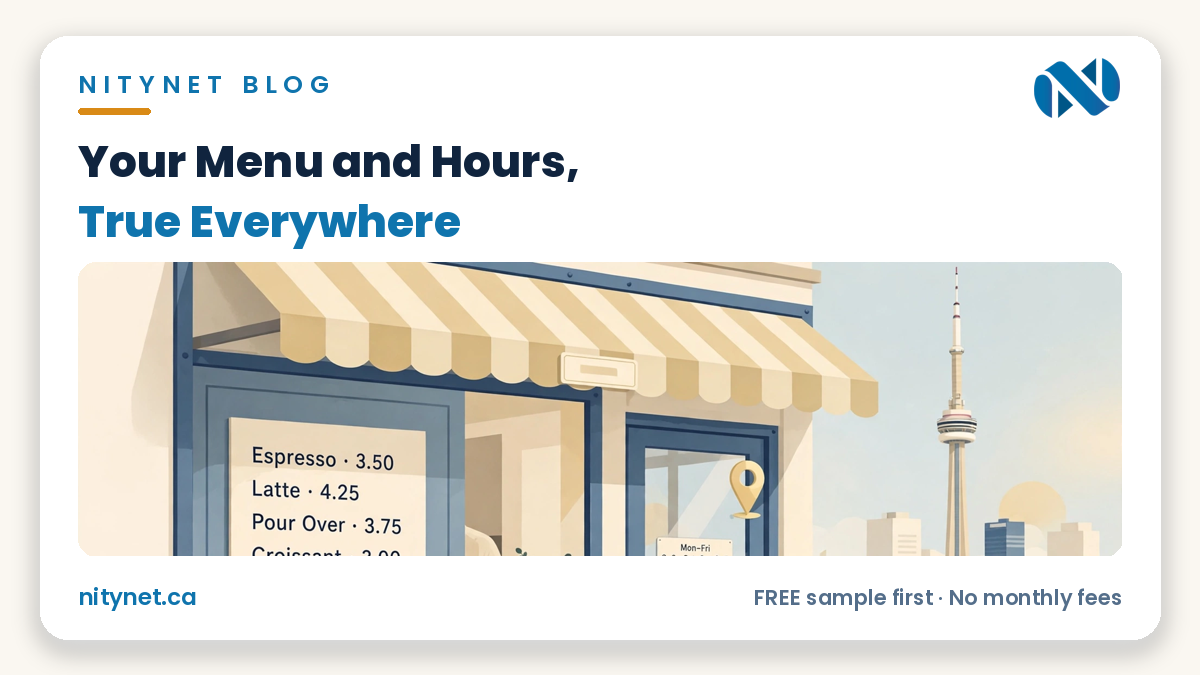
If you run a café, your cafe website menu and hours are the two answers a customer checks first. The menu must be readable on a phone, with prices, and the hours must match Google and your door exactly. When either is wrong, customers rarely phone to ask — they pick the café whose answers they can see.
The menu: readable beats beautiful
A café menu has one job: answer “what can I get, and what does it cost?” in a few seconds. A beautiful photo of a paper menu cannot do that job on a phone. The customer pinches, zooms, loses the price column, and gives up — not because your food is wrong, but because reading about it was hard work.
The fix is plain, and it is not expensive design. Your menu belongs on your website as typed text: one line per item, a short plain description, and the price beside it. Typed text loads fast, fits any screen without zooming, and can be found by a search engine in a way a photo never can. Group the items the way customers think — coffee and drinks, breakfast, sandwiches, baked goods — and keep each group short enough to scan while standing on a sidewalk.
Two details make a typed menu trustworthy. First, dietary marks belong beside the item they describe — vegetarian, gluten-free, contains nuts — stated only where they are true. Your café supplies those facts; nobody should invent them for you, and a mark that is wrong is worse than no mark at all. Second, give the menu a small “last updated” line and treat it as a habit: when a seasonal drink arrives or a price changes, update the menu page in the same sitting. A menu that quietly goes stale teaches customers to distrust every other answer on the site.
You can see the shape on our Papa Cafe & Pastry sample site — clearly labelled as a sample — where the menu is typed, priced and readable on a phone without a pinch or zoom. That readability, not decoration, is what a café menu page is for.
The page behind the table code
Many cafés now keep a QR code on the table, and that is a good habit — as long as everyone is honest about what the code is. The code itself is only a door. What matters is the page it opens, and that page must be the same typed, priced menu described above, not a slow PDF and not a photo.
Our guide to QR code menus for restaurants covers what the code on the table really costs and why the page behind it matters more than the code. This post makes the simpler point: whether a customer arrives from a table code, from Google, or from a link a friend sent, they should land on one menu — the true one.
Hours: three places, one truth
Your hours live in three places at once: the hours block on your website, your Google Business Profile, and the sign on your door. A customer believes whichever one they saw last — and blames you when the three disagree. Keeping them identical is not marketing. It is basic honesty maintenance, and it takes minutes as a habit.
Check them in this order. First, your website’s hours block, because that is the page you fully control. Second, your Google profile, because that is what most customers actually see first. Third, walk to your own door and read the sign the way a stranger would. If the three lines are not identical — same opening, same closing, same days closed — fix the wrong ones before you do anything else that day.
Holiday and special hours deserve their own named line inside the same block, not a separate post-it note of a page. When a holiday week changes your hours, update that line the week the change is decided, not the morning it starts — and remove it when the week is over, so last month’s exception does not become this month’s lie. The rule that keeps all of this simple is one sentence long: if you change one, you change all three in the same sitting.
What a customer does when the answers disagree — told without numbers
There is a story every café owner has either lived or heard. A customer checks Google, sees “open”, travels to the café, and finds the door locked because the site, the profile and the sign told three different stories. That customer rarely complains. They simply remember — and that is the story they repeat.
The same quiet damage happens in reverse. A menu with no prices makes a careful customer assume the worst and choose the café down the street whose prices they could read. Nobody phones to explain why they did not come. A café that keeps its two answers true never creates either story — and never has to repair a reputation it did not know it was losing.
The five-minute monthly check
None of this needs a specialist. Once a month, give your own site the five-minute check a customer would give it, standing outside your own café with your phone in your hand.
One: open your website on your phone, the way a customer would — not on the shop computer. Two: read three menu prices without zooming; if you have to pinch, so does everyone. Three: compare the hours on the site with the hours on Google, line by line. Four: tap your own tap-to-call button once and confirm it dials the right number. Five: check the map pin still drops on your door, not the middle of the block.
Five checks, five minutes, once a month. Anything that fails is a ten-minute fix the same day — far cheaper fixed quietly by you than discovered by a customer.
Frequently asked questions
Can I just post my menu on Instagram?
Photos of your menu on Instagram are fine as a gallery, and your regulars may enjoy them. But a photo there is not findable, readable or priced the way a typed menu page is, and it scrolls away within days. Treat Instagram as the invitation — your website menu is the answer that stays.
Do I need online ordering for this to matter?
No. A readable, priced menu, hours that match everywhere, and a tap-to-call button are the foundation, and they help every café whether or not it ever takes an online order. Ordering is a later step you can add when the volume asks for it — it is not the price of having true answers.
Who updates the hours — me or the designer?
You know first when your hours change, so the honest answer is: the owner notices, and the website must make acting on it a two-minute job, not a support ticket. Whoever holds the edit access, the monthly check above is how the three places stay telling one truth.
What it costs with NityNet
| Package | Price (CAD, one-time) | For |
|---|---|---|
| Economy | $249 | One-page website |
| Starter | $600 | Up to 5 pages, contact form, tap-to-call, Google Maps |
| Business | $900 | Up to 10 pages, booking form, gallery, Google Business setup, blog |
| Online Store | $1,500 | Up to 30 products with secure payments |
| Website redesign | $300 flat (separate offer, not a package) | Refresh of an existing website |
Every package includes free hosting for 1 year and a free .com domain, with no monthly fees — and the free sample comes first. Our page on website design for restaurants in Toronto shows how a typed menu, true hours and tap-to-call sit inside a full restaurant or café website. Our real portfolio is shahkar-renovation.com, aquaman369inc.com and cgscongregation.ca; everything else we show is a clearly labelled sample. Our own Google Business Profile is created and awaiting verification — we never call it verified or listed, and we make no “best” claim for ourselves.
See your own menu first
Want to see your own menu and hours on a page a phone can actually read? Get your free, personalized sample first, with the exact price confirmed in advance.
Start with the order form on our homepage: https://nitynet.ca/ — or email info@nitynet.ca or call +1 (647) 504-4646. Packages from $249; free hosting for 1 year, a free .com domain, and no monthly fees. Toronto & GTA based, serving businesses across Canada.