
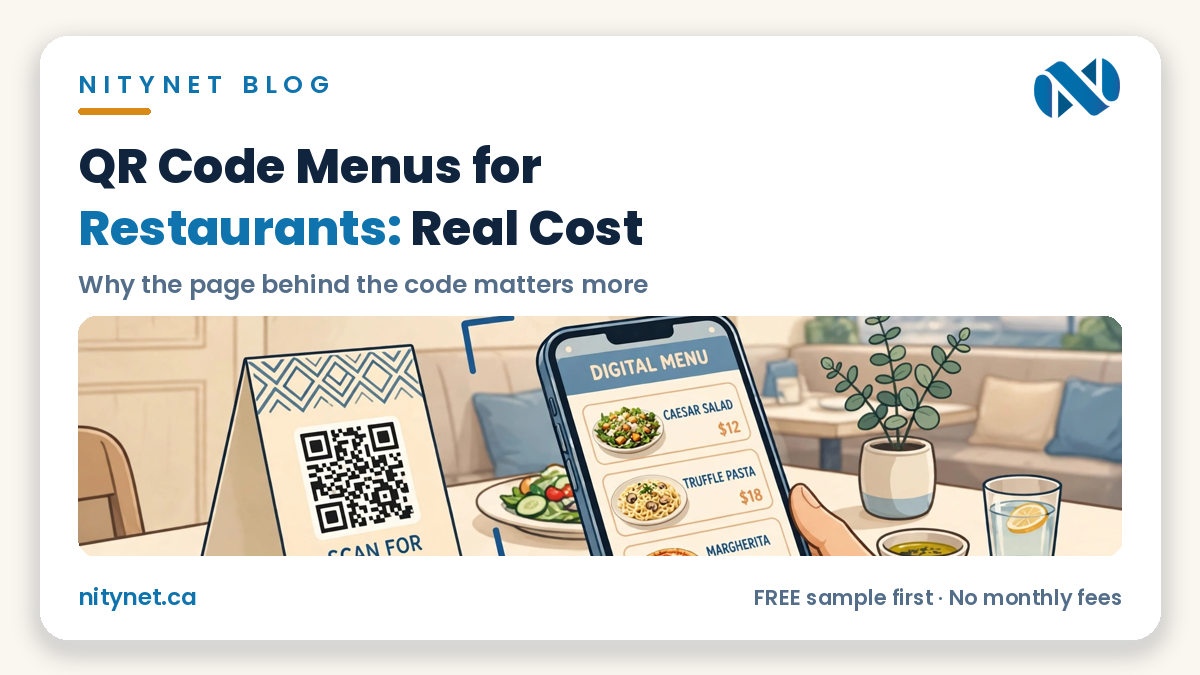
If you run a restaurant or cafe, the qr code menu for restaurants cost question sounds simple — how much for a little square code on the table? The honest answer is that the code itself can cost nothing, and that is exactly the trap. What your customer lands on after scanning — a blurry PDF, a slow third-party page full of someone else’s ads, or a fast menu page on your own website that you can update in minutes — is what actually costs money, earns money, or quietly loses you orders. This guide breaks down the real costs, option by option, and shows why the page behind the code matters more than the code.
See a live sample: a QR menu with photos, categories and table ordering, built by NityNet.
The QR code itself is free — and that is not the whole story
A QR code is just a link printed as a pattern. Free generators will turn any web address into a code in seconds, and printing table tents, stickers or cards is a small one-time print cost. So if someone quotes you hundreds of dollars just to “make a QR code,” you are not paying for the code — you are paying for whatever service sits behind it. That service is where the real choices, and the real costs, live.
There are three common setups, and they behave very differently once your menu or prices change.
Option 1: The free PDF menu — $0, with hidden costs
The cheapest route is to upload a PDF of your printed menu, link the QR code to it, and stop there. It costs nothing beyond printing, and for a menu that never changes, it can work for a while.
The problems show up quickly. PDFs pinch and zoom badly on phones. When a price changes, someone has to edit the file, export a new PDF, and re-upload it — so in practice it stays out of date. And a PDF has no tap-to-call, no reservation button, no directions and no ordering, and Google cannot read it properly, so it does little for people searching before they sit down.
Option 2: A paid QR menu platform — a monthly bill, forever
Menu platforms sell convenience: you type your dishes into their dashboard, they host the menu page, and they give you a code. The catch is the pricing model — most charge a monthly fee per location, for as long as you use the menu. That monthly bill never ends, it can rise, and your menu lives on their address, not yours. If you stop paying, the page behind your printed codes disappears — and every table tent in your restaurant points at a dead link.
There is a second cost: visitors learn their address, not yours, so the search value belongs to the platform. For a busy location updating daily, a platform can still be reasonable — but you are renting your own menu.
Option 3: A menu page on your own website — one cost, yours to keep
The third route puts the menu where it should have been all along: on a page of your own website, under your own domain. The QR code points to your address — for example, yoursite.ca/menu — and that page is built for phones first: big readable text, food photos, prices that are easy to change, and buttons right beside the menu for the things a guest might do next.
You can see the shape of it in our Papa Cafe & Pastry sample site — a Persian bakery and cafe in North York with its menu, photos and visit details presented as proper web pages, not a scanned sheet. Our website design for restaurants in Toronto page shows how the same setup works with reservations and online ordering.
- Update in minutes: a price change or a sold-out special is one small edit on a page you own — no reprinting, because the QR code points to the page, not to a file.
- Google can read it: a real web page with your dishes, prices and neighbourhood in text is what helps you appear when someone searches for what you serve, near them.
- One page, many jobs: the same menu page can sit behind the table code, in your Instagram bio, and in your Google Business listing — one link to keep current, everywhere.
- No monthly rent: the page is part of your website. You pay for the website once, and the menu page keeps working.
What the page behind the code must get right
Judge any QR menu by the landing page, not the code. It should load fast, show today’s menu without pinching or downloading, keep prices easy to find, and place tap-to-call, directions and ordering within one tap. Photos help, but keep them compressed so the page stays quick. Your name, address and hours should be in plain text so search engines and guests can confirm the place.
If your code lands on a PDF or a page you do not control, the fix is usually small — and you often do not need to reprint anything. Just build the better page at the address the code already uses.
What a restaurant website with a QR menu costs at NityNet
NityNet builds websites for Toronto and GTA small businesses for a single one-time payment, with no monthly fees. Every package includes free hosting for 1 year and a free .com domain:
- Economy — $249: a one-page website with your menu, hours, address and tap-to-call — enough to give a QR code a proper home.
- Starter — $600: up to 5 pages, contact form, tap-to-call and WhatsApp buttons, Google Maps, free digital visit card.
- Business — $900: up to 10 pages, booking or order form, gallery, Google Business setup, blog and social links — the right fit for most restaurants, because it carries the full menu, reservations and ordering setup described above.
- Online Store — $1,500: up to 30 products with secure payments, if you sell packaged goods or gift cards online.
You can compare the packages in the pricing section on our homepage, and see how these prices sit in the wider market in our guide to how much a website costs in Toronto. Already have a website but a weak menu page? Our separate website redesign in Toronto is a flat $300 — a separate offer, not a package.
Frequently asked questions
Do I need to reprint my table codes if I change my menu?
No — not if the code points to a web page. The code encodes one address; the page at that address can change every day. Reprinting is only needed if you change the address itself, which is one more reason to point codes at a page on your own domain that you control.
Can guests who do not like QR codes still see the menu?
Yes, and they should be able to. Keep a few printed menus for guests who prefer them or whose phones are dead, and print the short web address under the code so anyone can type it instead of scanning. A good setup never makes the code the only door.
What if I already pay for a menu platform?
Check what happens to your menu page and your codes if you cancel, and whether your printed codes point to an address you own. If they point to the platform’s address, plan the move in this order: build the menu page on your own site first, then switch the printed material on your next reprint, so no guest ever hits a dead link.
See your restaurant as a website — free, before you pay anything
Do not guess what your menu would look like as a proper web page — see it. NityNet will build you a free, personalized sample of your restaurant as a real website, before you pay anything.
Start with the order form on our homepage: https://nitynet.ca/ — or email us at info@nitynet.ca. Packages start from $249 for a one-page site and $600 for a full site, every package with free hosting for 1 year and a free .com domain, and no monthly fees. Toronto & GTA based, working with small businesses across Canada.