
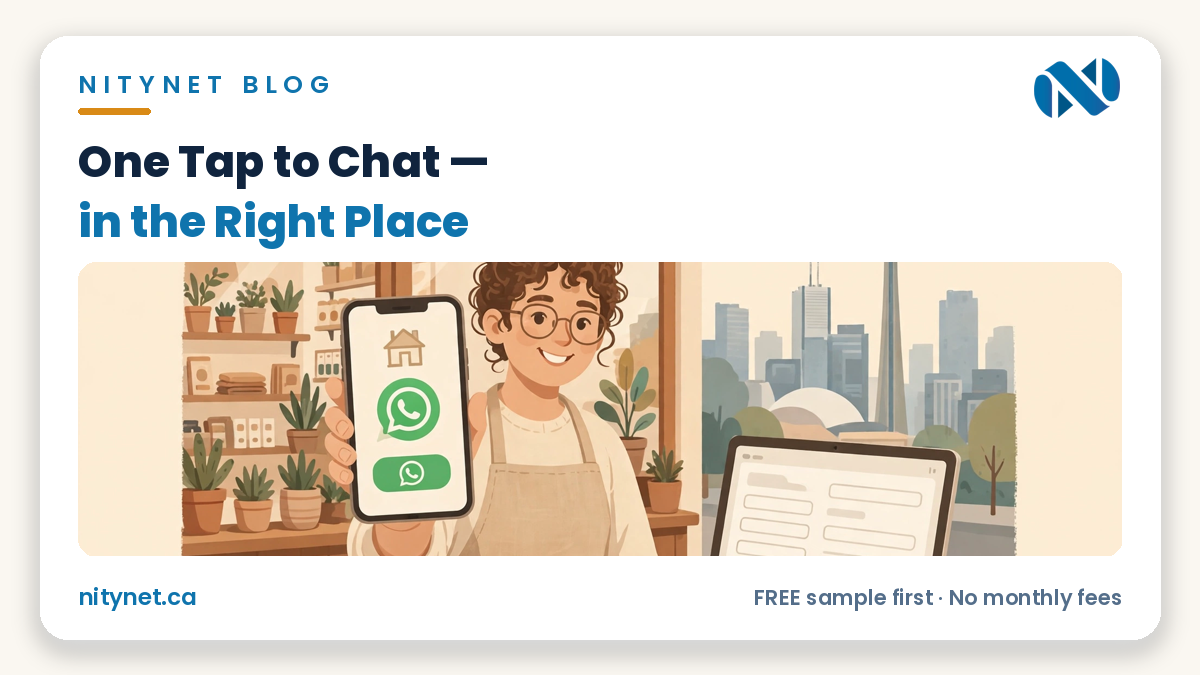
A whatsapp button on website pages is a tap-to-chat link — one tap opens a WhatsApp conversation with your business number, often with a first message already written. It helps visitors who already live in WhatsApp reach you in seconds. It does not replace your contact form, and it only works if someone answers.
What the button actually is
Start with the plainest fact, because most confusion lives here: the button is a link, not a system. When a visitor taps it, their own phone opens their own WhatsApp with your number already filled in. No account is created on your website, no chat is stored on your website, and nothing is sent to you until the visitor presses send themselves. Your site does not see the conversation; it happens inside WhatsApp, on the visitor’s phone and yours.
That simplicity is also the whole risk. The number it opens must be your real business WhatsApp number — the one someone answers in business hours. A button that opens an old or unchecked number is worse than no button: the customer did everything right, got silence, and concluded you do not reply.
You can see the contact-page shape this belongs on in our Flamingo Floral sample site — clearly labelled as a sample — where calling, messaging and a short form sit together in one plain order, each doing its own job.
Where it sits — and where it must not
There are two honest places for the button. The first is the fixed corner button: a small chat button that stays in one corner of the screen while the visitor scrolls, so the option to ask a question is always one tap away. The second is a button in place — inside your Contact page, beside a service, or under a product — where the question the visitor is about to ask belongs to that exact page. Many small sites use the corner button alone; a button in place, written for that page, often earns the better conversation.
Where it must not sit matters just as much. On a phone, a floating button that covers something else is a defect, not a feature. It must never cover your tap-to-call button, never sit on top of your prices, and never cover the order or booking button at the moment a customer is ready to buy. One button, one job: it starts a chat.
The button is also only one element of your contact page. Our guide to what pages a small business website needs puts it in its proper place: one line in the Contact page’s job — one tap, no friction — beside tap-to-call, a short form, your hours and your map.
The pre-filled message: the small line that does the work
The button can do one quiet extra job: it can pre-write the visitor’s first message. When the chat opens, a short line is already sitting in the typing box — something like “Hi, I would like to ask about…” followed by the service that page is about. The visitor can edit it, add to it, or delete it and write their own words; it is their message, not an advertisement pushed at them. But most people keep it, tap send, and skip the hardest part of starting a conversation: the first sentence.
Write that line as a question you can answer in one reply. Name the service, not your whole business: “Hi — can I book a table for Friday?” A good pre-filled message tells you, the moment it arrives, what the customer wants. A vague “Hi” tells you nothing. One line, written properly, is the difference between a button that decorates your site and one that starts real conversations.
When a form is better — honestly
Now the honest half: a WhatsApp button is not the right front door for every job. Anything needing details a chat loses starts better on a short form — a quote needing measurements, photos and an address, or a request where you need the same facts from every customer. In a chat those details arrive scattered across twenty messages; on a form they arrive once, in order, in a record you can find again.
Booking is the clearest example — it belongs to a proper booking path with a date and a confirmation, and this post names it only in that one line, because the form is the tool and the chat is not. The plain rule: the chat is for the quick question — are you open, do you stock this, can you come Tuesday — and the form is for the real job. Most businesses need the form first and the button second. If your site has a chat button but no working form, you have built the side door and skipped the front door.
The two-minute button check
Give your own button the two-minute check, on your phone, exactly as a customer meets it. One: open your site and tap the button — does it open a chat at all, or does it sit there doing nothing? Two: confirm the chat it opens is your real business number, digit by digit. Three: read the pre-filled message as a stranger would — does it name a service and ask something you can answer in one reply? Four: send yourself one test message and time how long the answer takes during business hours. Five: if nobody can answer in business hours, say so beside the button — “We reply on WhatsApp during opening hours” — because an honest delay beats a silent button every time.
Frequently asked questions
Do I need a separate WhatsApp Business account?
Not for the button itself — the button is only a link, and it can open a chat with the WhatsApp number your business actually uses and answers. A dedicated business number is still the cleaner setup for most owners, because it keeps customer chats off a personal phone; what matters most is that the number is real, current, and answered in business hours.
Does the button cost anything?
The button itself is just a link on your own website — there is no per-tap or per-message charge from your website for adding one. What it costs is attention: someone has to answer. Budget for that honestly before you add it, because an unanswered chat costs more trust than no chat option at all.
Will a WhatsApp button replace my contact form?
No — and it should not. The button is for the quick question a visitor can ask in one line; the form is for the real job, where you need details, dates or photos in one ordered record. Keep both, put the form first in your contact path, and let each tool do the job it is actually good at.
What it costs with NityNet
| Package | Price (CAD, one-time) | For |
|---|---|---|
| Economy | $249 | One-page website |
| Starter | $600 | Up to 5 pages, contact form, tap-to-call, Google Maps |
| Business | $900 | Up to 10 pages, booking form, gallery, Google Business setup, blog |
| Online Store | $1,500 | Up to 30 products with secure payments |
| Website redesign | $300 flat (separate offer, not a package) | Refresh of an existing website |
Every package includes free hosting for 1 year and a free .com domain, with no monthly fees — and the free sample comes first. A WhatsApp button, a tap-to-call button and a short form can all be part of the contact path we build; our page on website design in Toronto shows how that contact path sits inside a complete small-business website. Our real portfolio is shahkar-renovation.com, aquaman369inc.com and cgscongregation.ca; everything else we show is a clearly labelled sample. Our own Google Business Profile is created and awaiting verification — we never call it verified or listed, and we make no “best” claim for ourselves.
Start the conversation properly
Want your site to start the conversation — with the button in the right place and a form behind it? Get your free, personalized sample first, before you pay anything.
Start with the order form on our homepage: https://nitynet.ca/ — or email info@nitynet.ca or call +1 (647) 504-4646. Packages from $249; free hosting for 1 year, a free .com domain, and no monthly fees. Toronto & GTA based, serving businesses across Canada.